CSS: Advanced Layouts with Grid
What is grid?
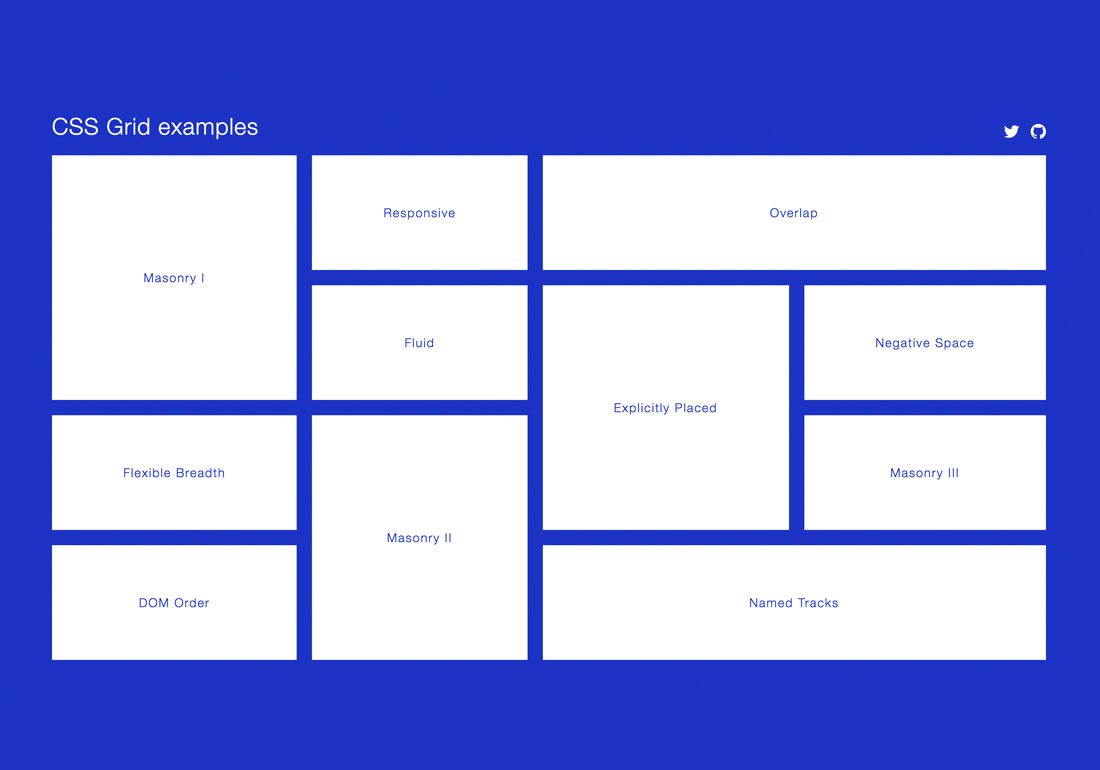
A grid is an intersecting set of horizontal and vertical lines – one set defining columns, and the other, rows. Elements can be placed onto the grid, within these column and row lines. CSS grid layout has the following features:
Fixed and flexible track sizes
You can create a grid with fixed track sizes – using pixels for example. This sets the grid to the specified pixel which fits to the layout you desire. You can also create a grid using flexible sizes with percentages or with the new fr unit designed for this purpose.
Item placement
You can place items into a precise location on the grid using line numbers, names or by targeting an area of the grid. Grid also contains an algorithm to control the placement of items not given an explicit position on the grid.Creation of additional tracks to hold content.
Creation of additional tracks to hold content
You can define an explicit grid with grid layout. The Grid Layout specification is flexible enough to add additional rows and columns when needed. Features such as adding “as many columns that will fit into a container” are included.
Grid contains alignment features so we can control how the items align once placed into a grid area, and how the entire grid is aligned.
Control of overlapping content
More than one item can be placed into a grid cell or area and, they can partially overlap each other. This layering may then be controlled with the z-index property.
Grid is a powerful specification that, when combined with other parts of CSS such as flexbox, can help you create layouts that were previously impossible to build in CSS. It all starts by creating a grid in your grid container.
Website layout
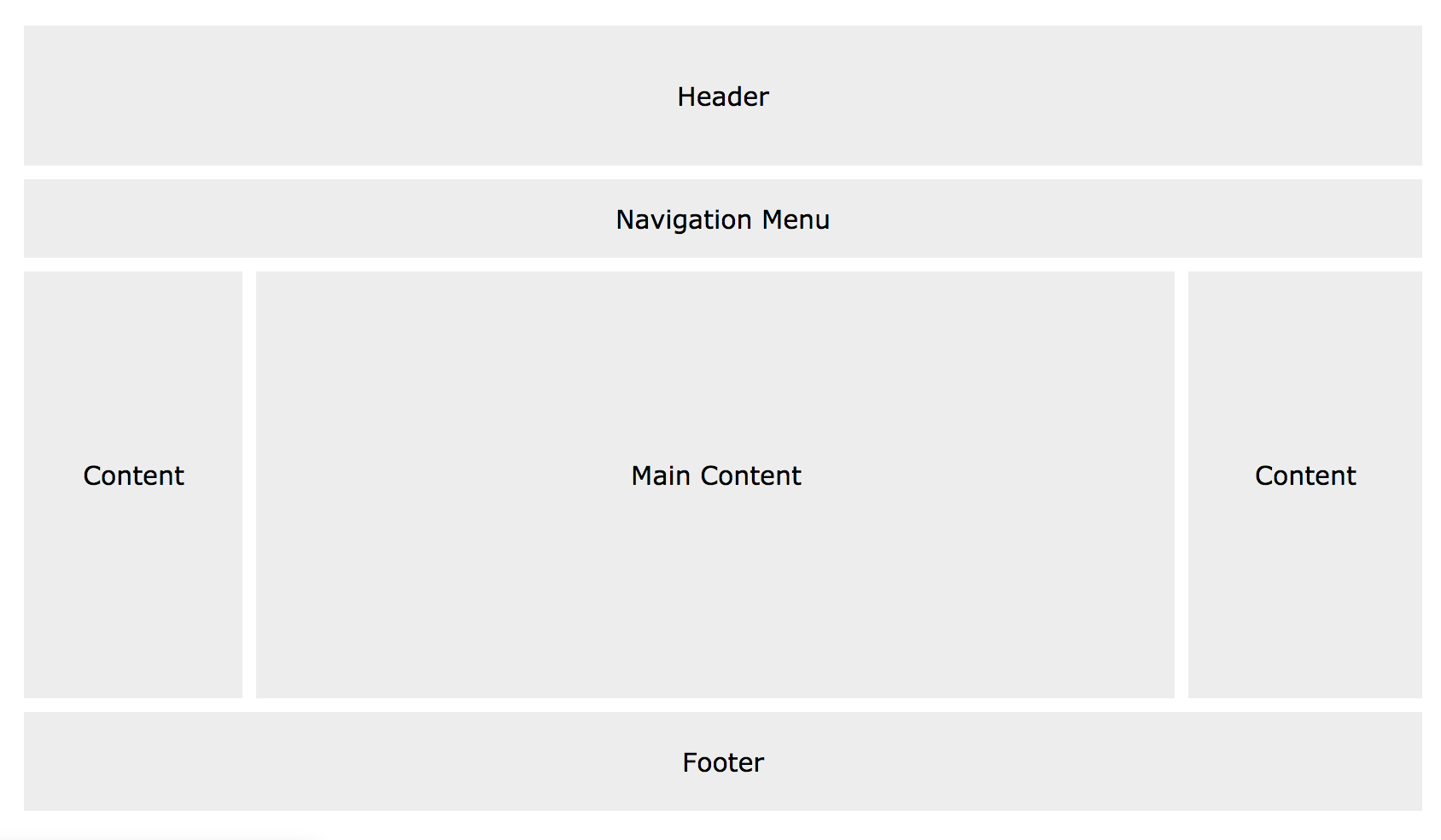
What does a website layout mean?
To put it short, it’s a critical element that makes a website to be a success. Or a failure.
A website layout is a pattern (or framework) that defines a website’s structure. It has the role of structuring the information present on a site both for the website’s owner and for users. It provides clear paths for navigation within webpages and puts the most important elements of a website front and center.

 LITTLEREN